
For Windows 10, Windows 8, Windows 7
TT Premium X1 RGB
Gaming Software
Take control of the most expansive set of macros and personalization options from macro controls,
backlighting colors, effects, and quick launch custom profiles.
What is TT X1 RGB Sync?
Using the TT Premium X1 RGB keyboard in conjunction with the TT Premium X1 RGB software, users can seamlessly sync 16.8 million RGB colors and lighting effects from the keyboard to compatible Thermaltake power supplies and liquid cooling solutions for maximum color coordination and personalization. Compatible products include iRGB PSU, Riing Plus, Pacific W4 Plus CPU Water Block, Pacific RL360 Plus RGB Radiator, Floe Riing RGB 360, and Pacific Lumi Plus LED Strip.
How to set up TT X1 RGB Sync
with TT Premium X1 RGB Keyboard
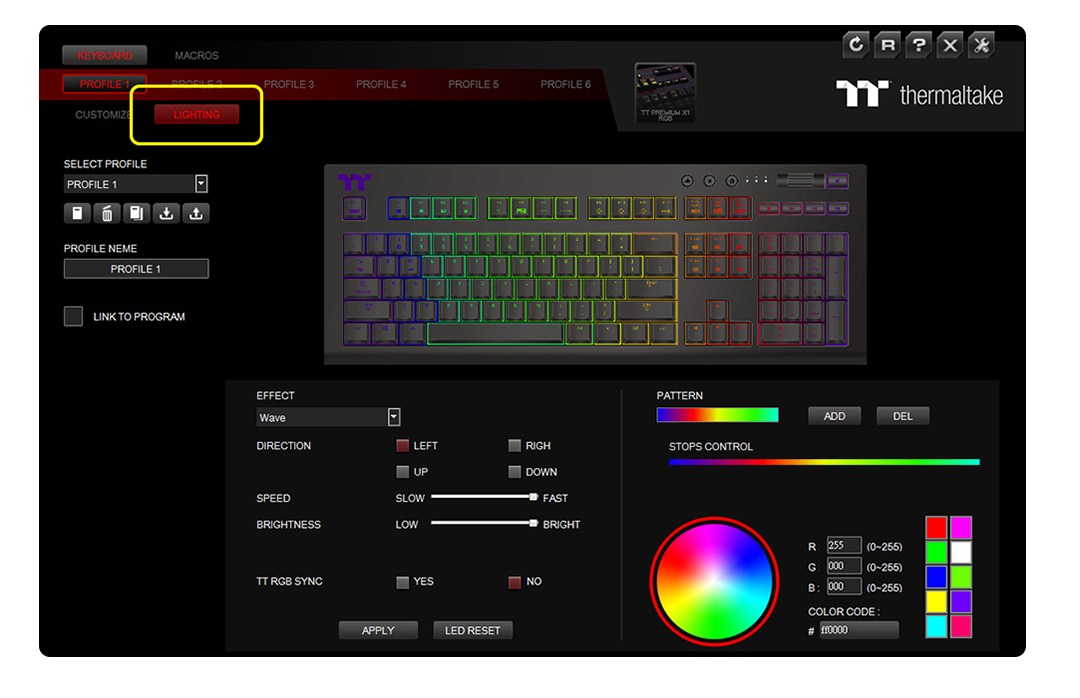
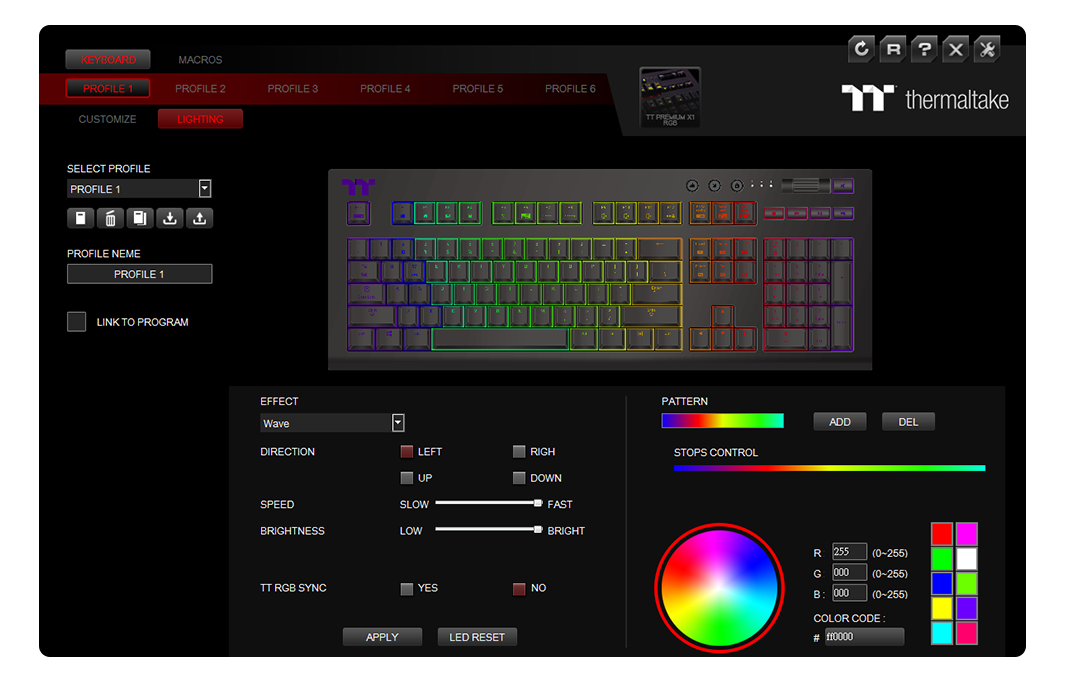
Step 2. Select the “Lighting” tab
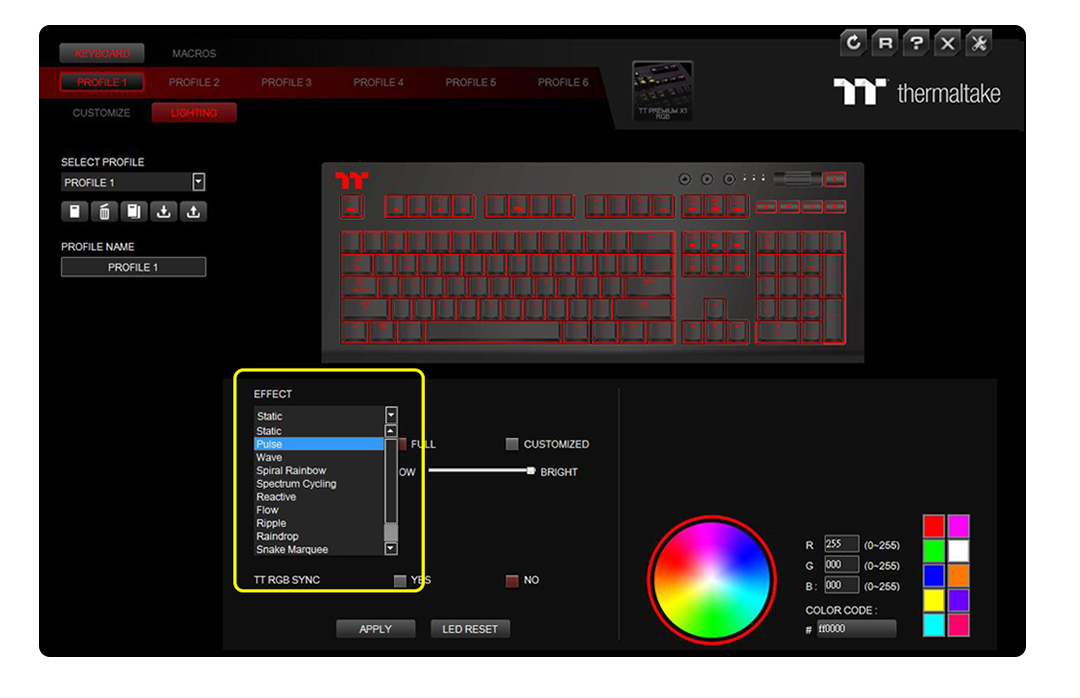
Step 3. Select a lighting effect from the “Effect” tab
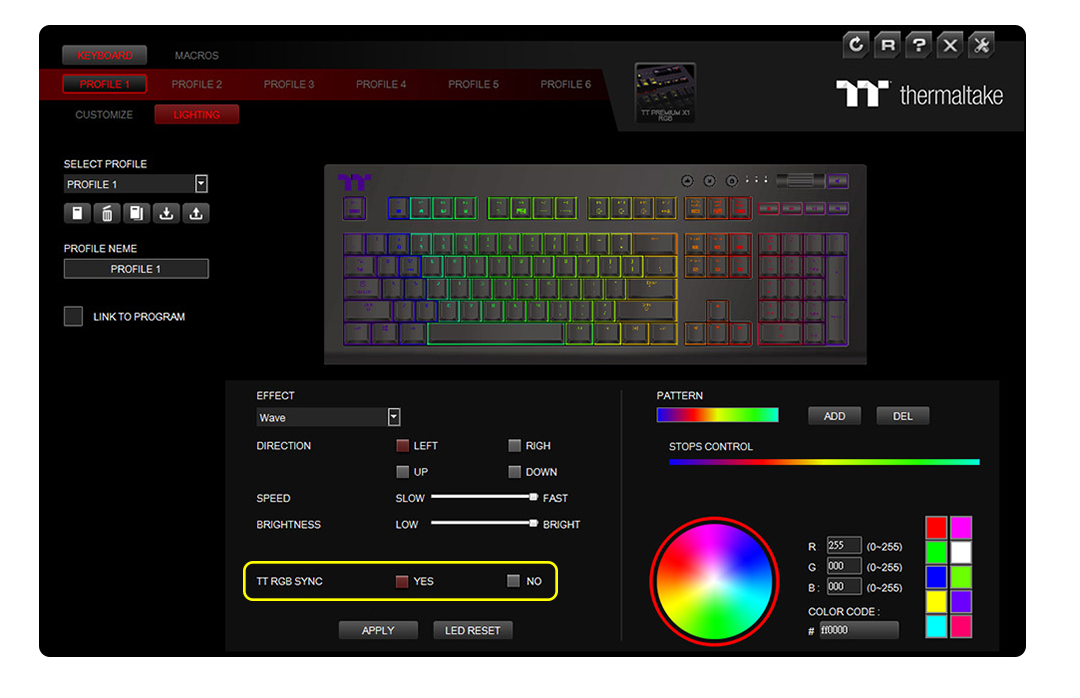
Step 4. When the “TT RGB SYNC” option appears, select “Yes” and then “Apply”.
Compatible with Power Supply & Liquid Cooling Solutions
-
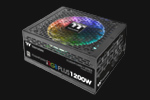 iRGB PLUS Power Supply
-
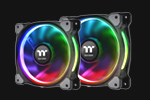 Riing Plus 12/14 RGB Radiator Fan
-
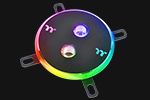 Pacific W4 Plus CPU Water Block
-
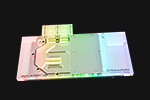 Pacific V-GTX 1080Ti Plus Transparent (ASUS ROG)
-
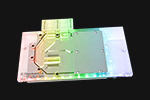 Pacific V-GTX 1080Ti Plus Transparent (MSI GAMING X)
-
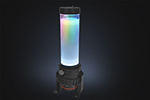 Pacific PR22-D5 Plus
-
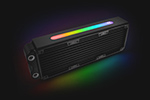 Pacific RL360 Plus RGB Radiator
-
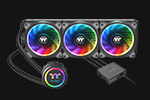 Floe Riing RGB 360
TT Premium Edition -
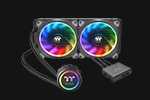 Floe Riing RGB 280
TT Premium Edition -
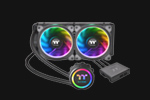 Floe Riing RGB 240
TT Premium Edition -
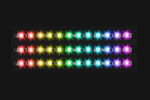 Pacific Lumi Plus LED Strip
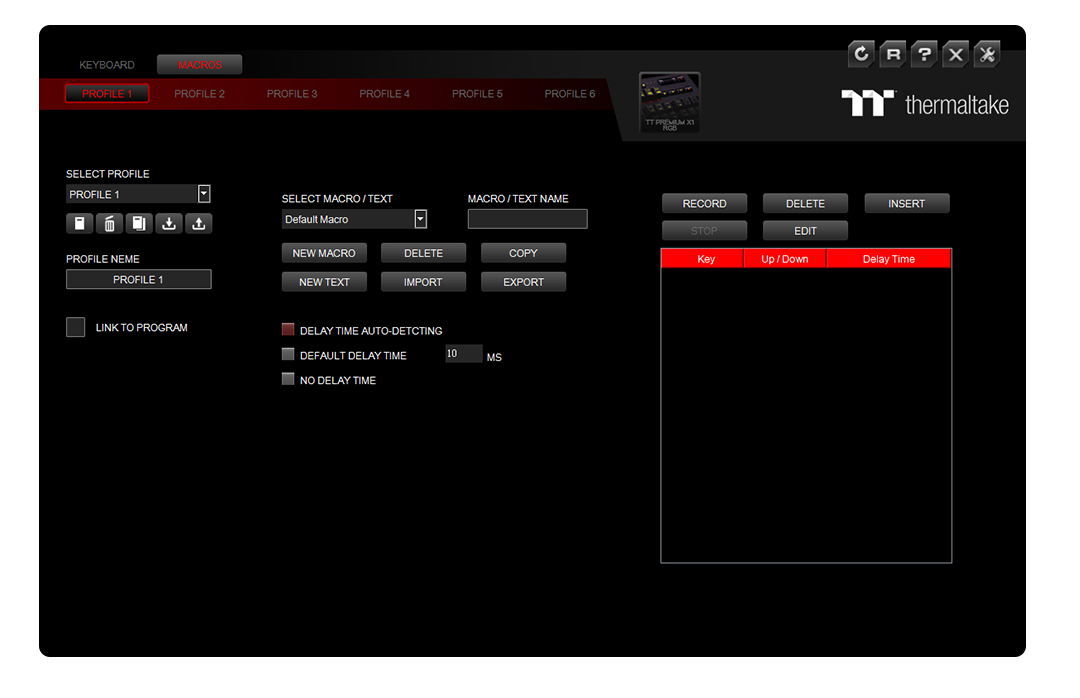
Customize Macros
Personalize your keys with easy-to-use custom macro assignment.
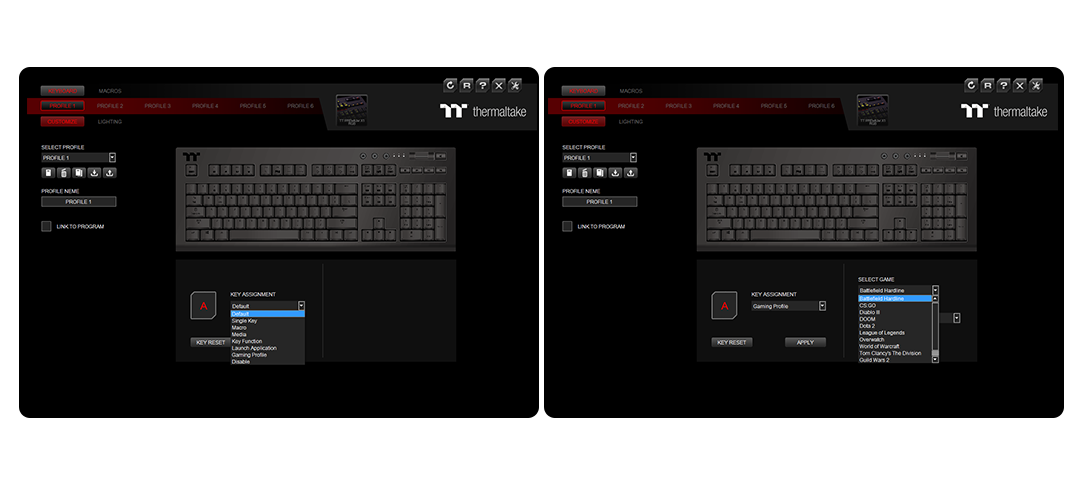
Customize Gaming Profiles
Personalize your gaming profiles with your own custom layout or select from a range of preset profiles for the latest hot releases.
Customize Macros
Personalize your keys with easy-to-use custom macro assignment.
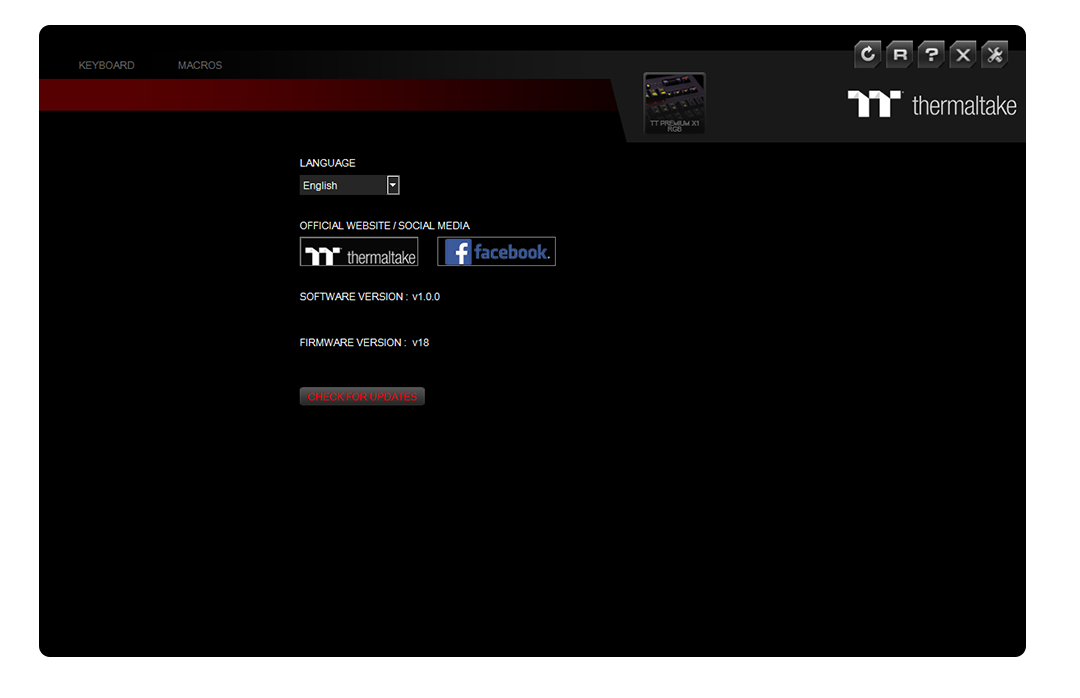
Customize Gaming Profiles
Personalize your gaming profiles with your own custom layout or select from a range of preset profiles for the latest hot releases.
Compatible with iOS 10 or above.
Compatible with iPhone X, iPhone 8, iPhone 7, iPhone 6s, iPhone SE, iPad Mini, iPad, iPad Pro
State-of-the-art
Smartphone & Tablet App
with Voice Controlled AI
The X1 RGB features a specially designed voice-controlled AI that gives users access to lighting color, effects, speed, and brightness through easy-to-use voice commands. Users can also configure expansive lighting and macro functions in the app.


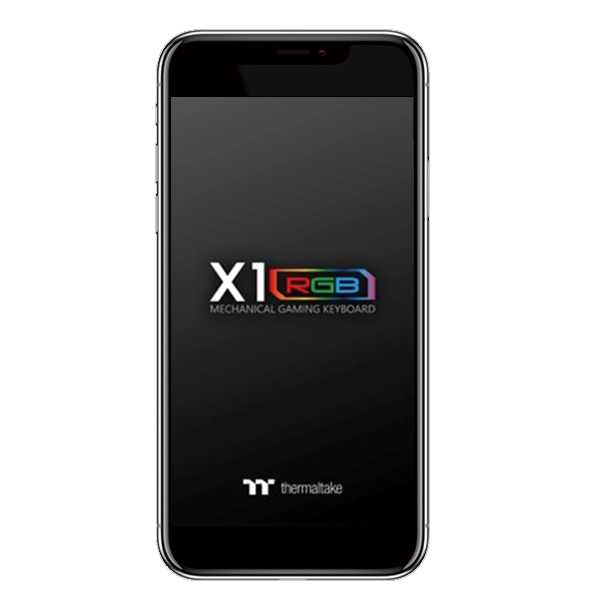
Exclusive Smartphone & Tablet App with Voice Controlled AI
Set lighting and macro functions in the app, and control color, effects, speed, and brightness with easy-to-use voice recognition commands. The app also features a patented virtual game controller for smartphone and tablet gaming over a wireless connection. Taiwan Patent Application No. 107200205, 107200206
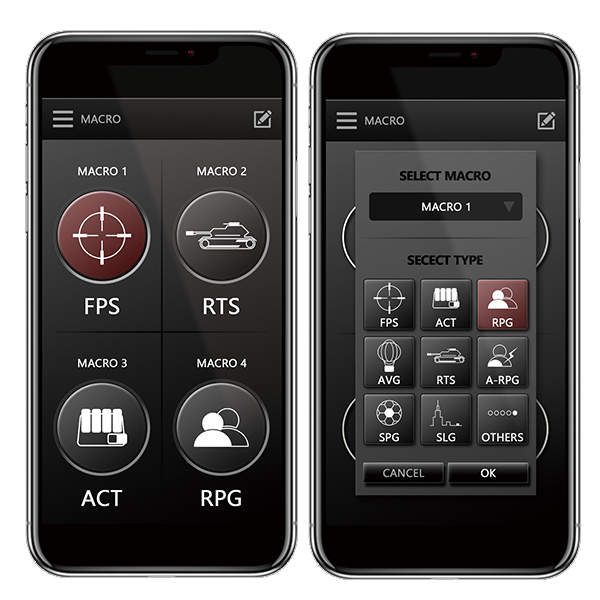
Configure Key Macro Commands
The app includes a four-key macro function that lets users load registered key commands from the gaming software and execute a chain of commands in-game without interruption.
Intuitive RGB Lighting Controls
Apply preset lighting modes and switch between different lighting schemes using Default Colors, Color Pattern, and multiple lighting speeds from Slow to Extreme.
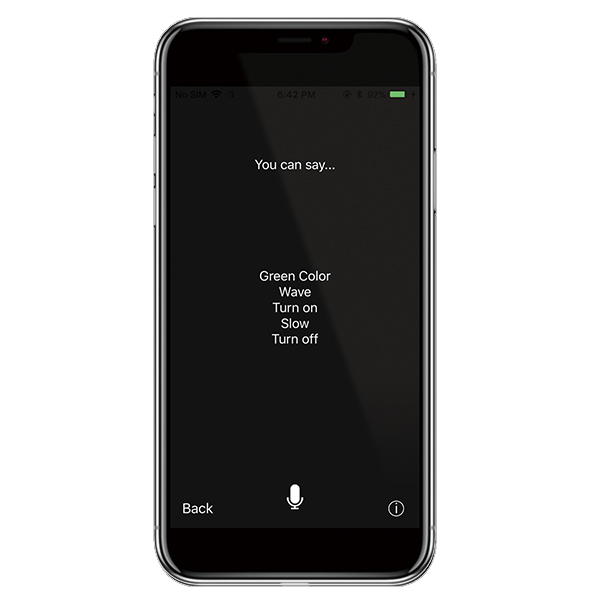
Exclusive Smartphone/Tablet Enabled Voice Controlled AI
With its specially designed voice-controlled AI, users can control lighting color, effects, speed, and brightness through simple voice commands for a hands-free gaming experience.
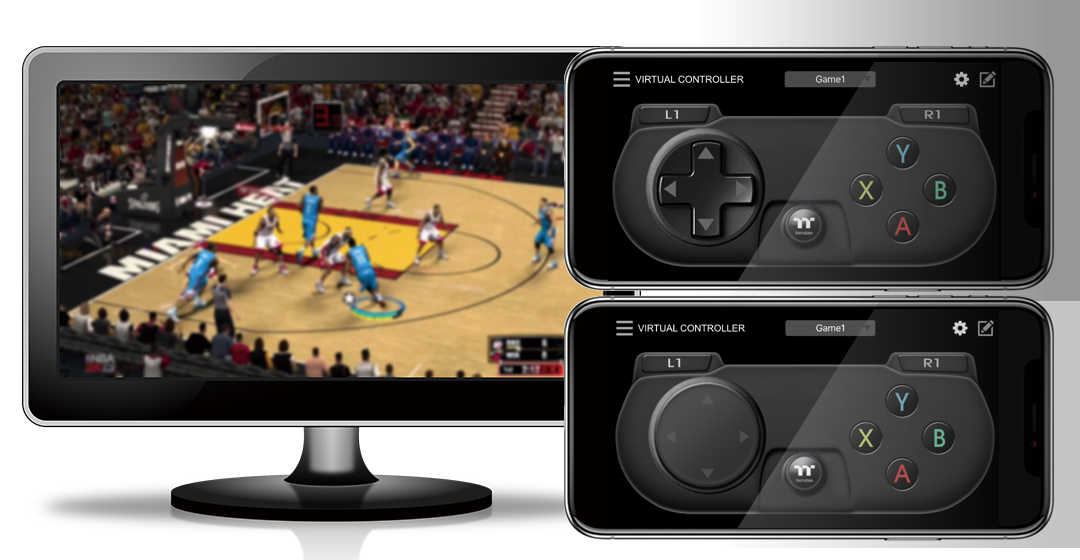
Exclusive Patented Design Virtual Game Controller (VGC)
Connect the patented virtual controller to the X1 RGB gaming keyboard and use your smartphone or tablet to play your favorite games over Wi-Fi for a unique mobile gaming experience.
